
Photo Organization for iPhone
Clear the noise. Keep the moments.
Cleanse AI brings together smart photo cleanup, rich media detection, private vault protection, and cinematic color cards so your library feels lighter, safer, and easier to enjoy.
Smart cleanup
Duplicates, similar shots, screenshots, Live Photos, large videos, compressible clips.Media intelligence
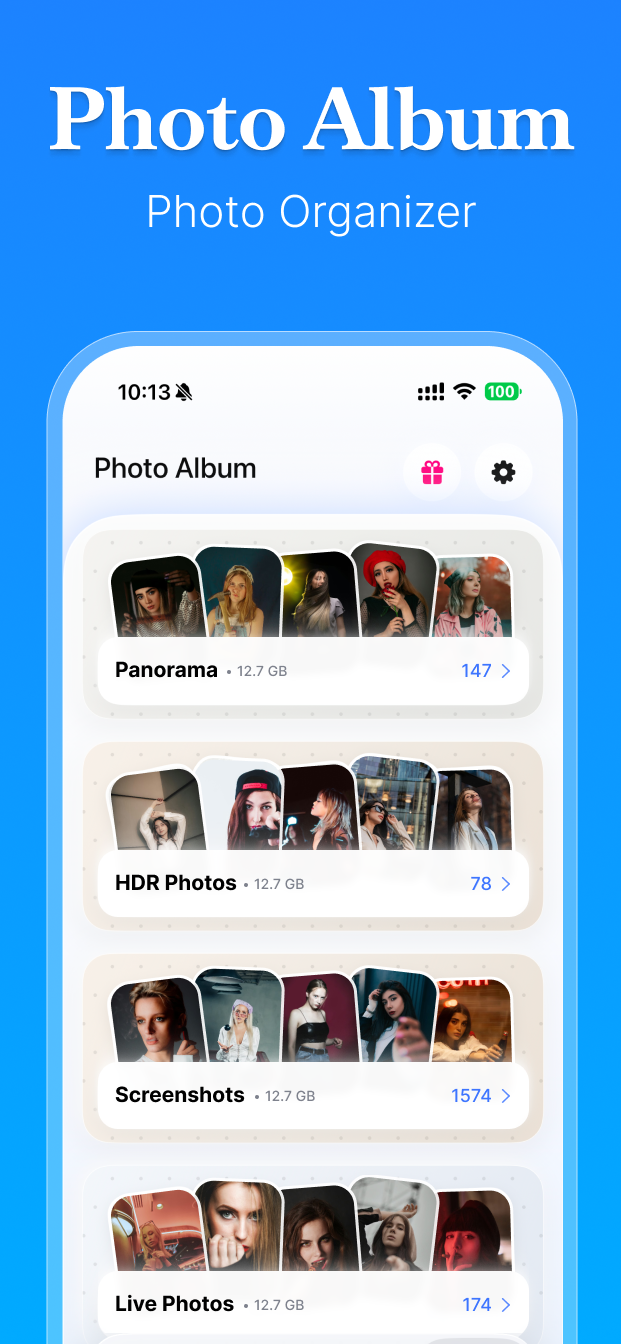
Panorama, HDR, portrait, timelapse, screen recording, cinematic, and more.Private by design
Lock sensitive media with a PIN, biometric unlock, and app-only storage space.Core Features
Organize, review, and protect your library.
Cleanse AI combines cleanup workflows, media categorization, private storage, and visual card creation in one iPhone experience.
01. Smart Cleanup
Review clutter with precise grouping rules.
Cleanse AI scans photo and video libraries to surface duplicate photos, similar bursts, screenshots, Live Photos, imported images, similar videos, large videos, and compression candidates.
- Duplicate photos grouped inside a 0.5 second capture window
- Similar photos grouped inside a 4 second burst
- Similar videos grouped inside a 6 second window
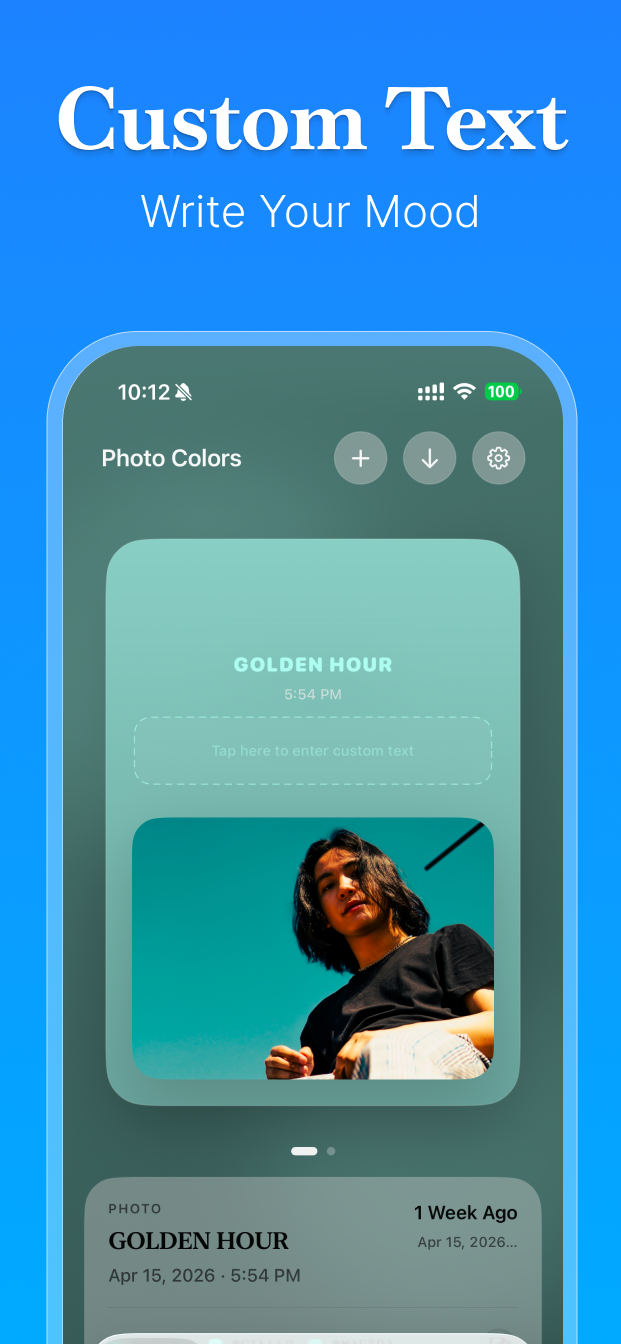
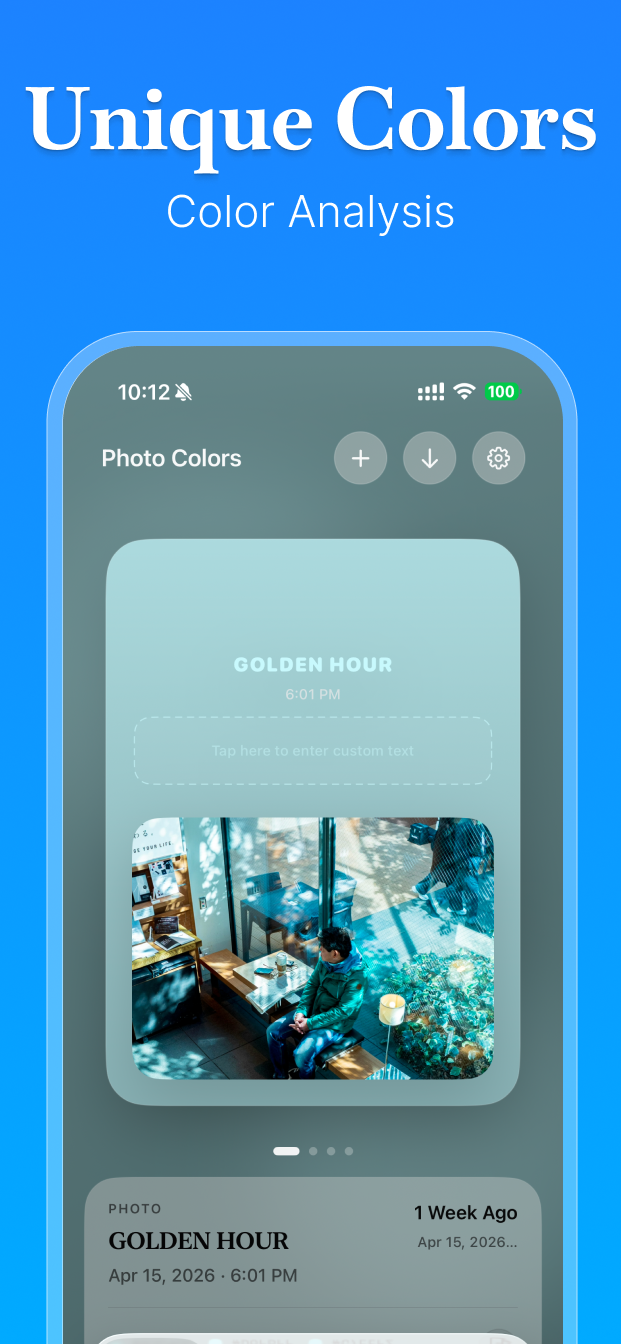
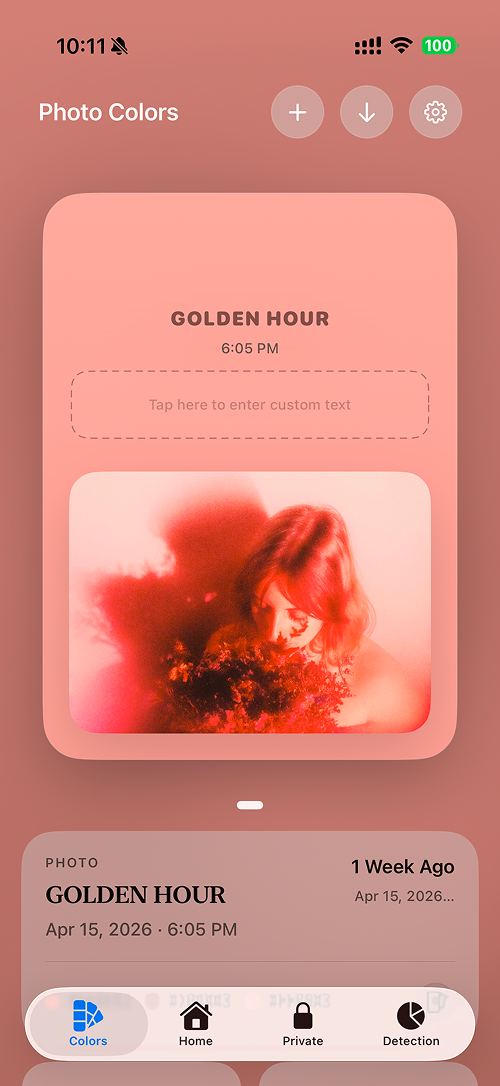
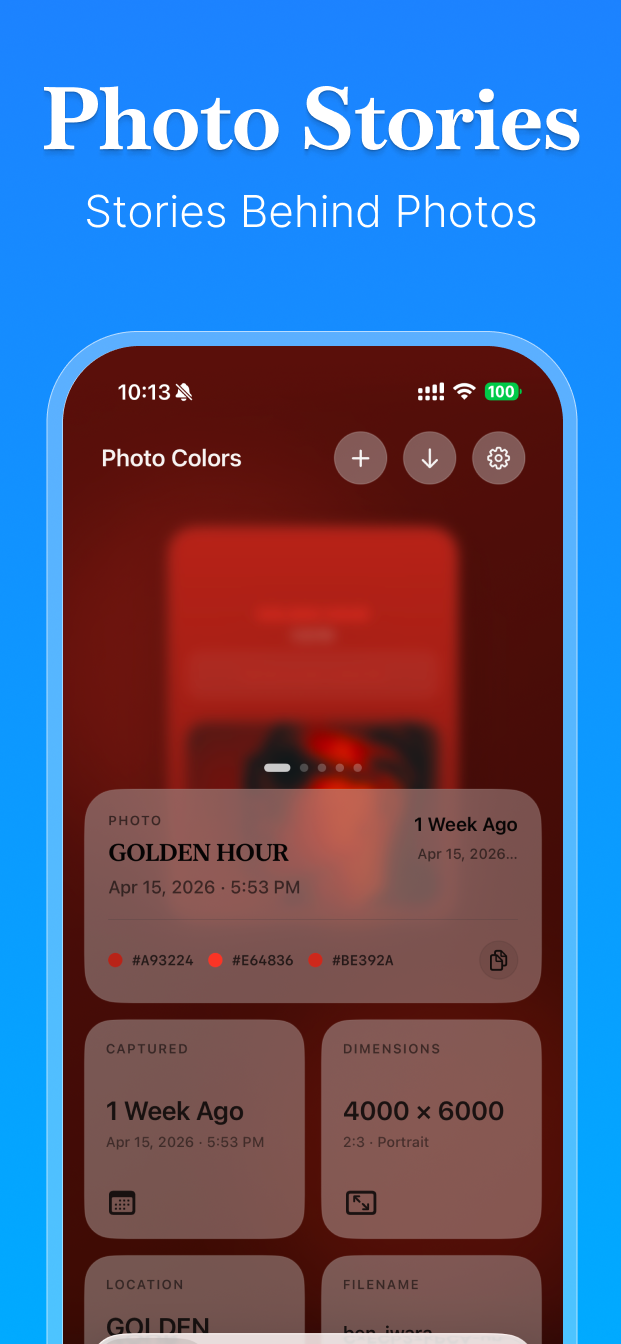
02. Photo Colors
Turn every image into a mood card.
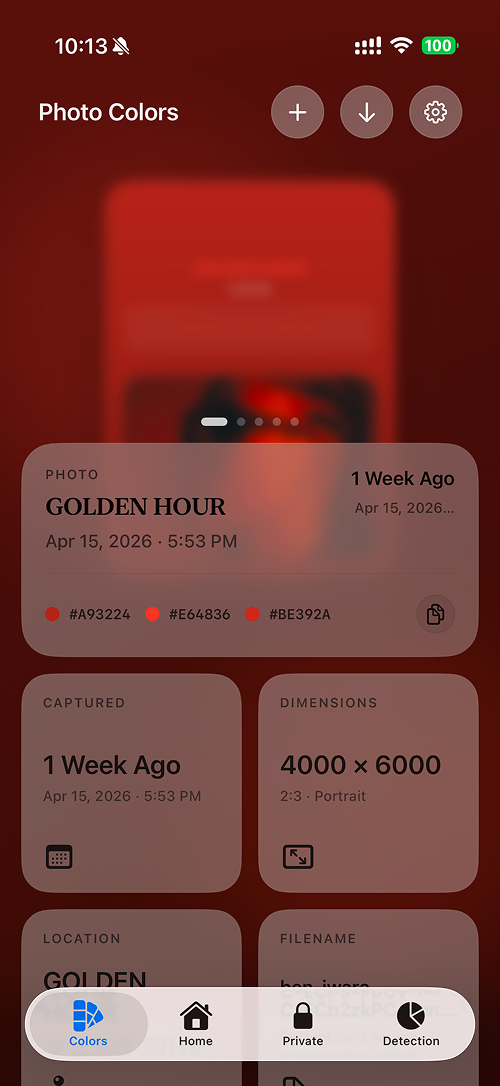
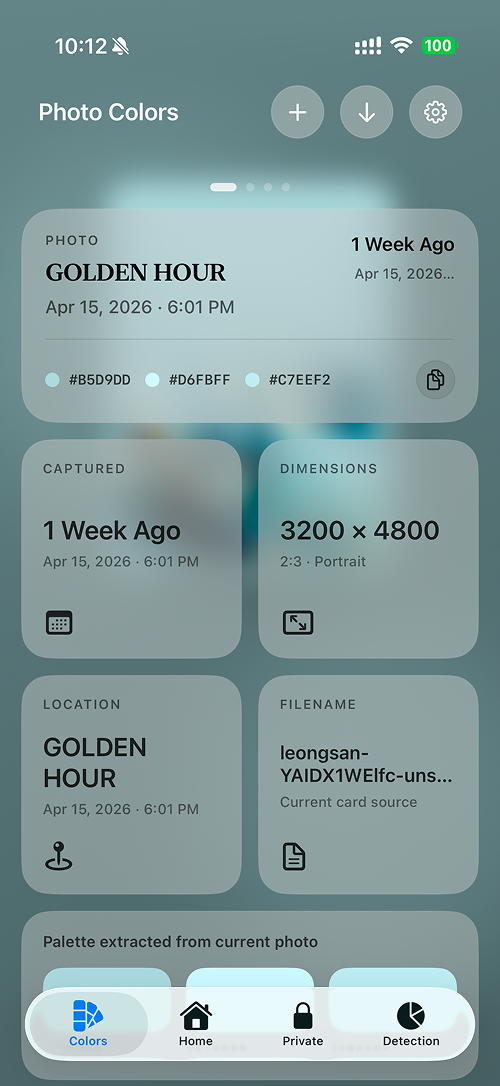
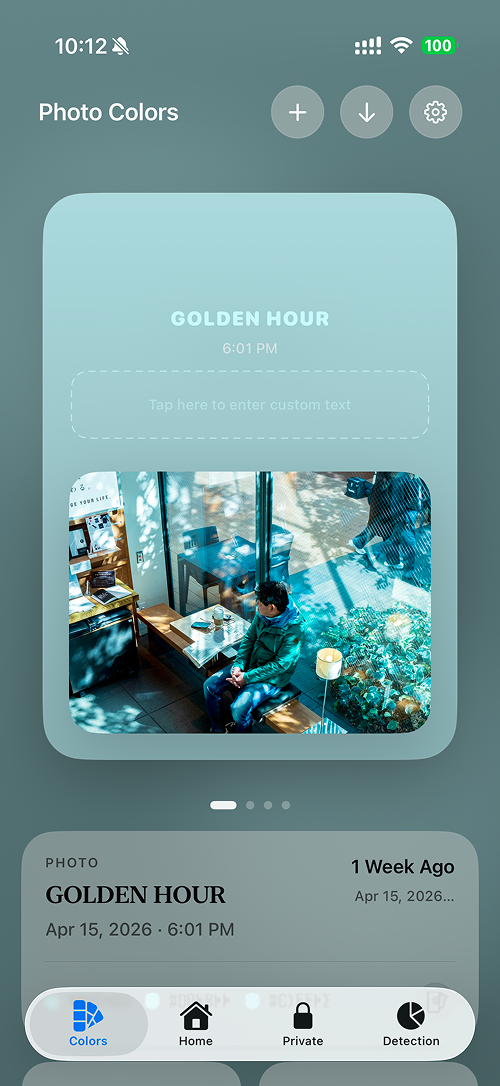
The Photo Colors tab extracts palette values, timestamps, dimensions, filenames, and custom text so a single photo can become a polished visual story.
03. Private Vault
Keep sensitive photos inside an app-only space.
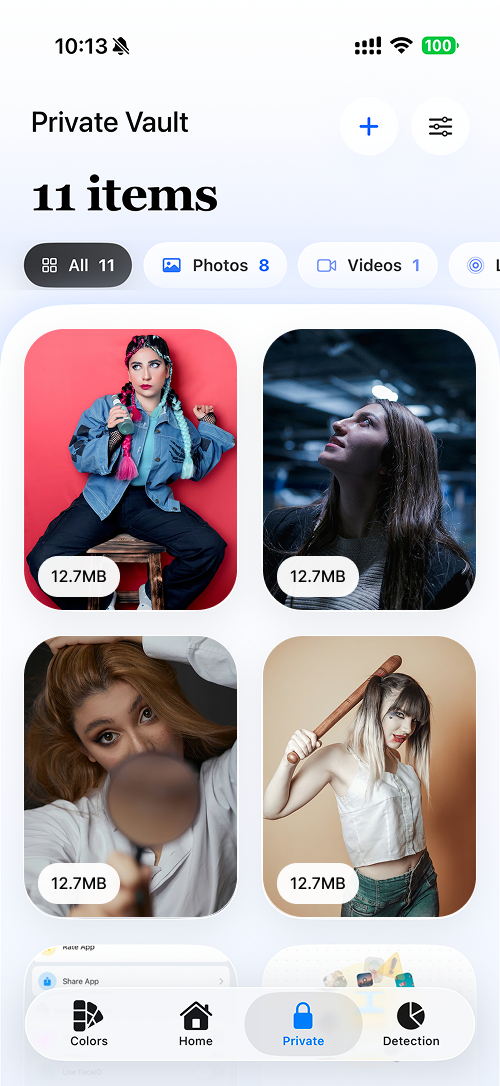
The project includes a private vault with passcode setup, biometric unlock, selective import, and optional deletion of originals after secure copy.
04. Rich Detection
See what kind of library you actually have.
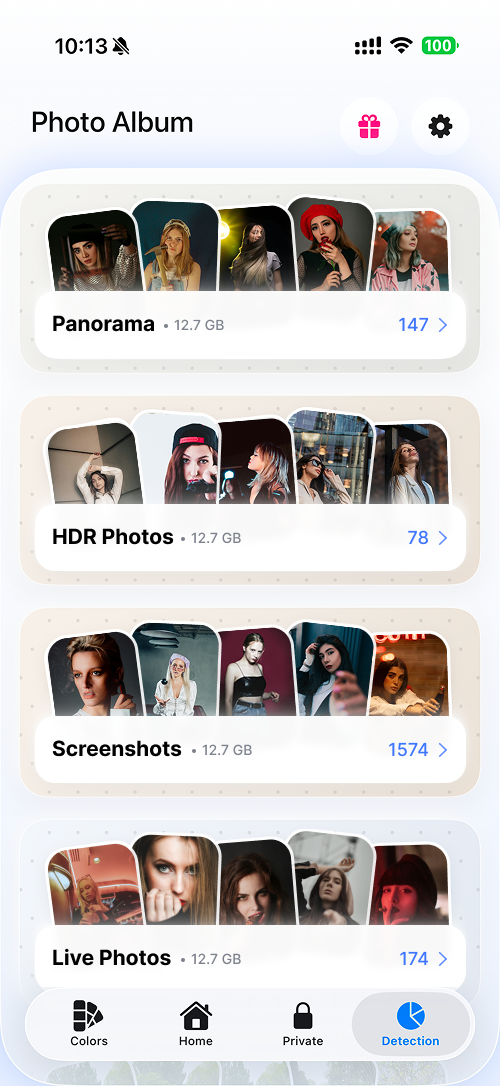
Beyond cleanup, Cleanse AI detects panorama, HDR, screenshots, Live Photos, portrait photos, spatial media, streamed videos, high frame rate clips, timelapse, screen recordings, and cinematic footage.
Why Cleanse AI
Designed for clarity, privacy, and better library control.
Storage relief
Review storage-heavy photos and videos with clearer categories and faster cleanup decisions.
Memory design
Turn selected images into polished color cards with palette details and visual context.
Private control
Protect selected media with a dedicated private area, passcode flow, and biometric unlock support.
Screen gallery
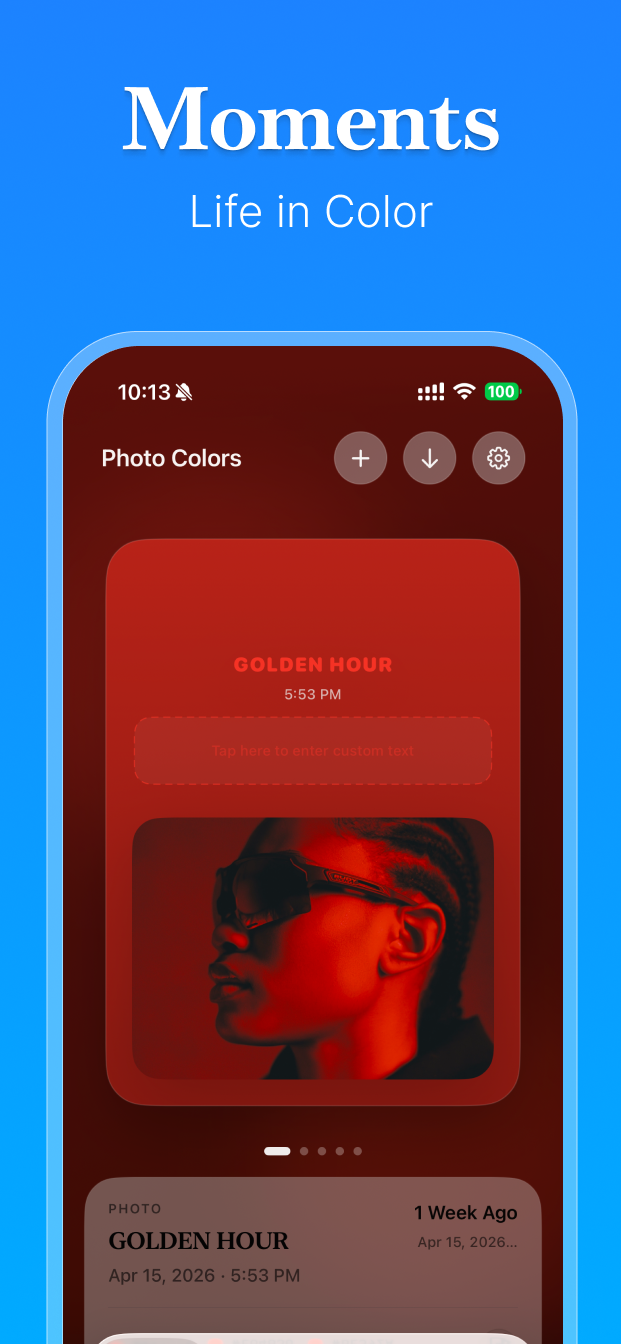
Product screens from the current app assets.
These visuals use the current Clean_C14_Landing resources and present the app in a clean web layout.
Legal Pages
Product overview with dedicated policy pages.
This landing site includes feature pages, a product gallery, a Privacy Policy, and Terms of Service.
Included Pages
Privacy Policy & Terms
Back to Top
Open the legal pages directly from the links below.
Support
Tell us what needs attention.
Send a question about Cleanse AI and we will review it as soon as possible.